
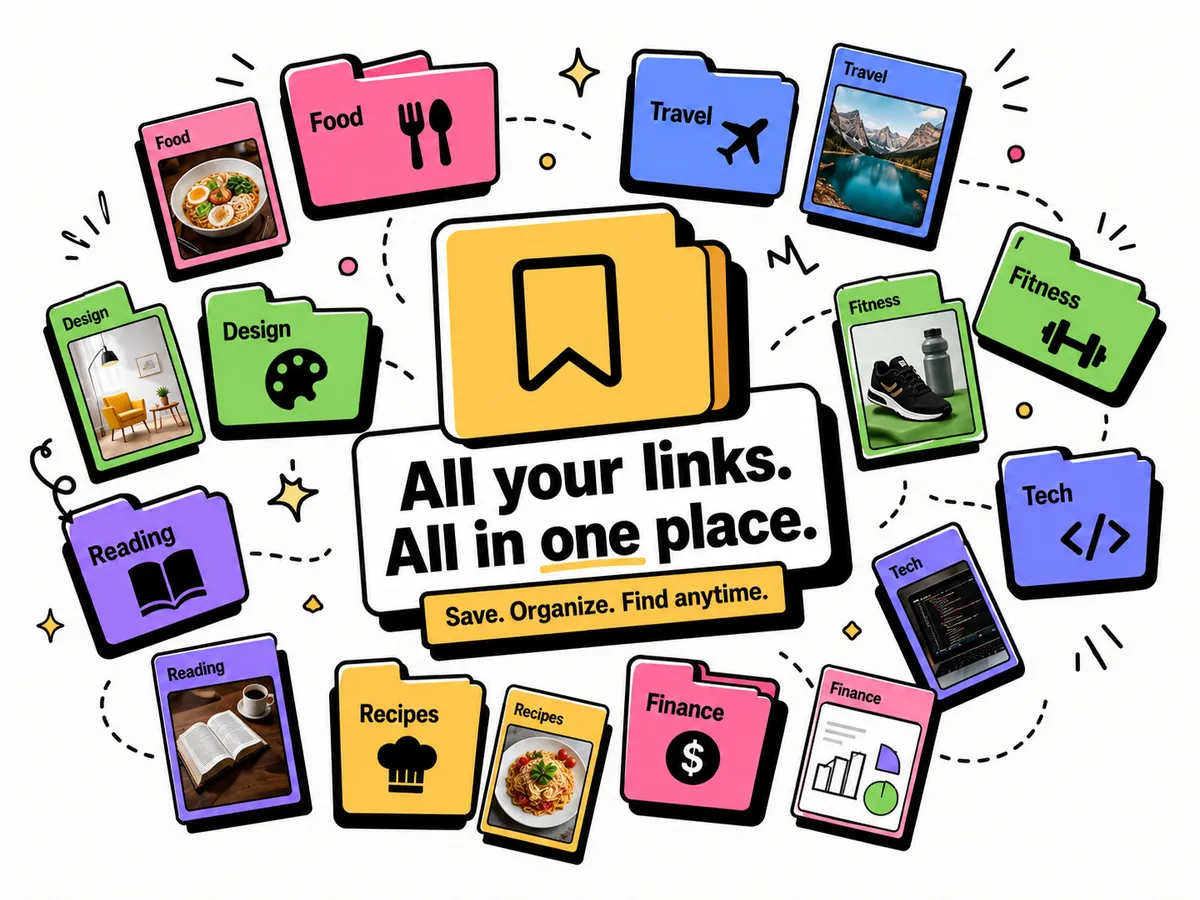
You’re scrolling TikTok and a video catches your eye — a recipe, a travel destination, a product you want to look up later. You tap the share button, look at the options, and… then what? You DM it to yourself. You screenshot it. You leave the app open in the background. Three days later, you can’t find it.
This happens dozens of times a week on every platform: TikTok, Instagram, X (Twitter), YouTube, Reddit, Safari, Chrome, newsletters, podcast apps. The links are everywhere. Your brain is not a bookmark manager.
There’s a better way, and it’s already built into your phone — you just haven’t set it up yet.
The share sheet: the feature your phone already has
Every iOS and Android app has a share button. Tap it, and a panel slides up with a row of apps you can send content to. This is called the share sheet (iOS) or the share menu (Android).
By default, your share sheet shows messaging apps — WhatsApp, Messages, Mail. But it can also show a link-saving app. Once it does, saving any link from any app takes exactly one tap.
Tuckii installs a share-sheet extension when you download the app. After that, saving a link from TikTok or Instagram is the same motion as sending a message — but instead of sending it to a person, you’re sending it to your personal library.
How to save links from each platform (step by step)
TikTok
TikTok links work two ways. For an in-app video you want to save:
- Tap the Share arrow on the right side of the video.
- Scroll right in the share row until you see Tuckii (or tap More to find it).
- Tap Tuckii. The link is saved with the video’s title and thumbnail.
For a link in someone’s TikTok bio or a link in comments: tap the link, it opens in TikTok’s in-app browser → tap the share icon at the top of the browser → Tuckii.
Instagram hides links in a few places. The flow differs depending on where the link lives:
- A post link or Reel: tap the ··· (three dots) → Share → Tuckii.
- A link in a bio or story: tap to open it → share icon in the browser bar → Tuckii.
- A DM’d link: long-press the message → Copy → open Tuckii → tap the + button and paste.
X (Twitter)
Tap the share icon under any post (the arrow icon) → tap Share via… → Tuckii. The tweet URL saves along with the post text as a description.
YouTube
Tap Share under any video → scroll the share row → Tuckii. You get the video title, thumbnail, and channel name as metadata.
Copying a link to send to a friend instead? Links copied from YouTube, Instagram and TikTok carry share IDs like ?si= and ?igsh= that point back to you. Paste it into our free Link Cleaner first and send the clean version.
Safari, Chrome, or any browser
Tap the Share button in the address bar (the box-with-arrow icon on iOS, or the share icon on Android) → Tuckii. Works on any page — articles, recipes, product pages, documentation.
Reddit, newsletters, podcast apps
Any app with a share button works. Reddit posts, Substack articles, podcast episode show notes, recipe apps — if it has a share arrow, Tuckii catches it.
Screenshots and photos
Some things are easier to keep as a picture: a recipe card, a map, a post that might get deleted, a product label. Tuckii saves screenshots the same way it saves links — through the share sheet:
- iPhone: take the screenshot. On iOS 26 it opens straight away; on iOS 18 and earlier, tap the thumbnail in the bottom-left corner. Tap Share → Tuckii.
- Android: take the screenshot and tap Share in the toolbar that pops up → Tuckii. (On a Samsung phone with no toolbar, turn it on under Settings → Advanced features → Screenshots and screen recordings → Show toolbar after capturing.)
- An older screenshot: open it in Photos or your gallery → Share → Tuckii.
Each share saves one image, stored on your device next to your links. Tuckii doesn’t read the text inside an image, so give it a name or a note — that’s what search looks for. (The free plan includes a limited number of images; Pro removes the limit.)
Why one-tap matters: The friction of saving a link is the main reason links get lost. If saving takes more than 2 seconds, you don’t do it. The share sheet brings Tuckii right into the app you’re already using — no switching, no copy-pasting, no opening another app first.
How to add Tuckii to your Favorites (so it always appears first)
By default, the share sheet shows frequently used apps. To make Tuckii appear in the top row every time — instead of having to scroll for it — add it to Favorites:
- Open any share sheet from any app.
- Scroll right past the app icons to find More (the three dots on iOS).
- Tap Edit in the top-right corner.
- Find Tuckii in the list, tap the + next to it to add it to Favorites.
- Drag it to the top of the Favorites list if you want it first.
- Tap Done.
After this, every share sheet on your phone will show Tuckii in the first row. Saving a link from TikTok takes one tap — no scrolling, no searching.
What happens after you save a link
When you save a link through the share sheet, Tuckii does a few things in the background:
- Fetches the page title, description, and thumbnail so you can recognize the link later without opening it.
- Saves everything locally on your device — no company cloud, no account required.
- Puts the link in whichever collection you choose (or the default “Unsorted” pile).
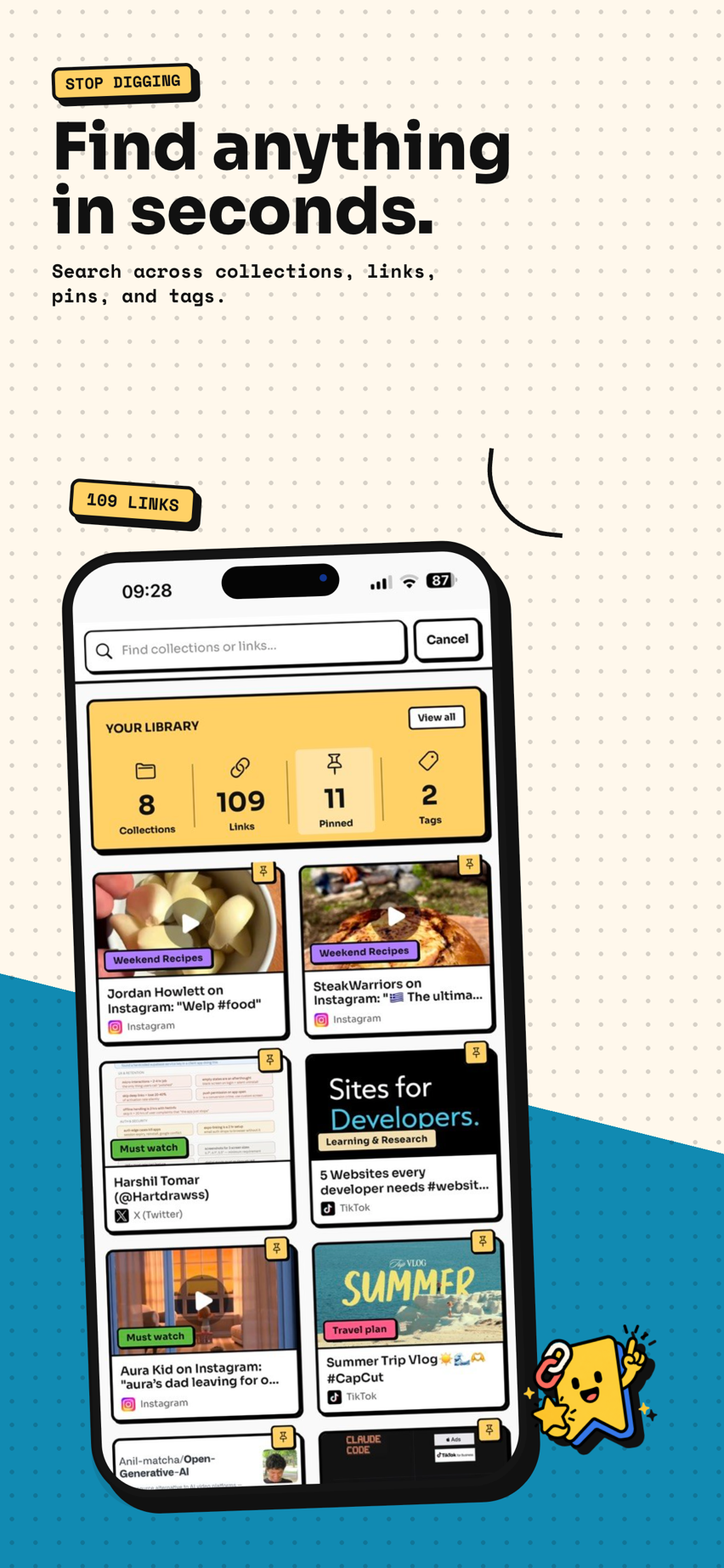
When you’re ready to go back to that TikTok recipe or Instagram product, open Tuckii, find it in your library, and tap to open. If you remember roughly what it was about, the search finds it instantly — even if you can’t remember the exact title.
Why a camera roll and DMs to yourself don’t scale
Most people default to the same few workarounds when they want to save something:
- Screenshots left in the camera roll — hundreds of them, mixed in with your photos, with no names and no way to search by what they were for. The screenshot isn’t the problem; the camera roll is. Share the ones worth keeping to Tuckii and they sit with the rest of your saves.
- DMs to yourself — works until you have 300 messages to yourself with no context on what any of them are.
- Leaving apps open in the background — the app restarts and you lose the position. Or you close it by accident.
A dedicated library — links and screenshots saved from the share sheet with one tap, organized into collections, searchable — solves all three problems without adding a new habit. The habit of tapping Share already exists. You’re just redirecting one tap.
Ready to stop losing links?
Download Tuckii, add it to your share-sheet Favorites, and every link you want to remember is one tap away from being saved.
Download free →