
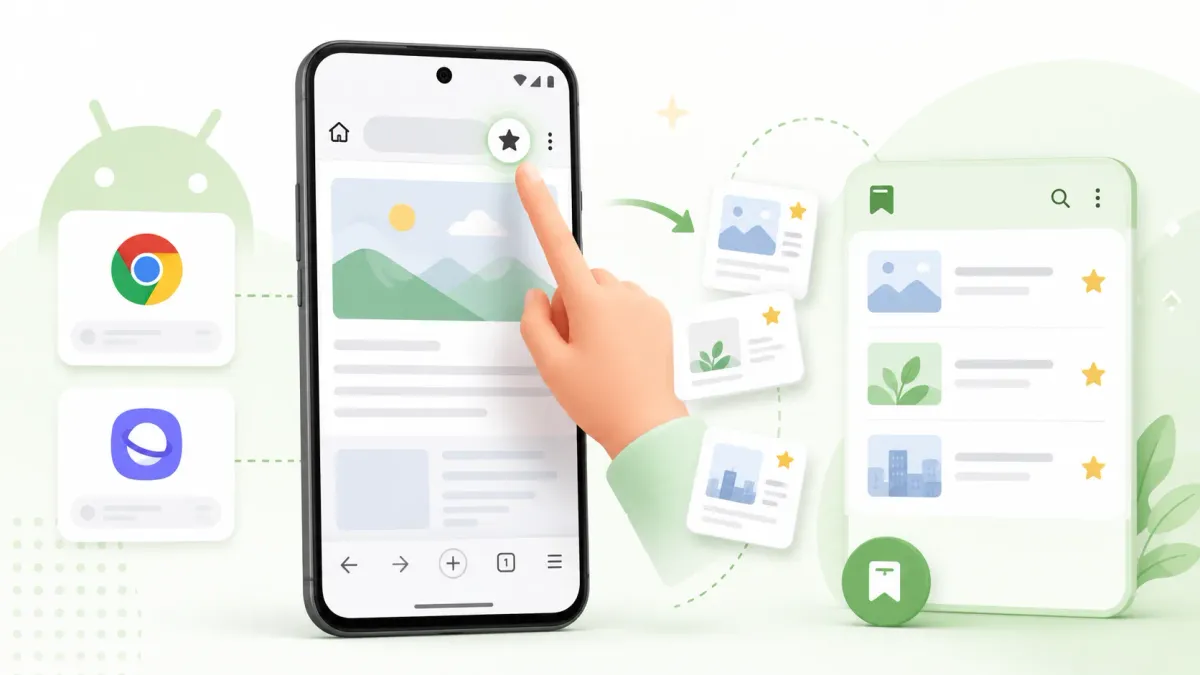
Bookmarking on Android takes one tap once you know where the button is — but which button depends on your browser, and none of them can save the links you find inside apps. Here’s how to bookmark in each browser, plus how to keep everything you save in one place.
Quick answer: in Chrome, open the page → tap the ⋮ menu (top right) → tap the star. In Samsung Browser (formerly Samsung Internet), tap the ☰ menu in the bottom bar → Add to bookmarks.
Bookmark a page in Chrome (Android)
- Open the page you want to keep.
- Tap the ⋮ menu (top-right).
- Tap the ★ star icon. The page is now bookmarked.
- Find it later: ⋮ → Bookmarks. If you’re signed in with sync on, it also appears on your other Chrome devices via your Google account. (Not showing up on your other devices? See why Chrome bookmarks stop syncing.)
Bookmark a page in Samsung Internet (Samsung Browser)
- Open the page in Samsung Browser (on newer phones the icon may just say Browser).
- Tap the ☰ menu (bottom bar).
- Tap Add to bookmarks (or the star).
- Find it later under the same ☰ → Bookmarks. Note: these are separate from Chrome’s — see where Android stores bookmarks.
The problem: browser bookmarks can’t save links from apps
Here’s the catch every Android user hits: the star only works on web pages in that browser. The links you most want to keep — a recipe in TikTok, a product in Instagram, a video in YouTube, a link a friend sends in a chat — have no “add bookmark” button. So they end up as screenshots, messages to yourself, or lost tabs. And each browser keeps its own separate list, so you’re hunting across Chrome, Samsung Internet, and a dozen apps.
Save anything, from any app, in one place — Tuckii
Tuckii is a bookmark app built around Android’s share sheet, so anything becomes a bookmark:
- One-tap save from any app — tap Share → Tuckii in TikTok, Instagram, YouTube, your browser, podcasts, anywhere. Tuckii grabs the title and thumbnail automatically.
- One searchable library on your device — no account, works offline; find any saved link in seconds instead of remembering which app it was in.
- Free to use, with an optional Pro upgrade for power users (tags, sharing, backup, Google Drive sync).
Bookmark from any app, not just the browser
Tuckii keeps every link — from TikTok, Instagram, your browser, anywhere — in one searchable place on your device, no account. Free on Google Play.
Get Tuckii free on Google Play →New to saving from apps? See the step-by-step save links from any app guide, or the full best bookmark app for Android rundown.