
Quick answer: your LinkedIn saved posts are at linkedin.com/my-items/saved-posts — desktop, click Saved items in the left column of your feed; in the app, tap your profile photo → Saved posts.
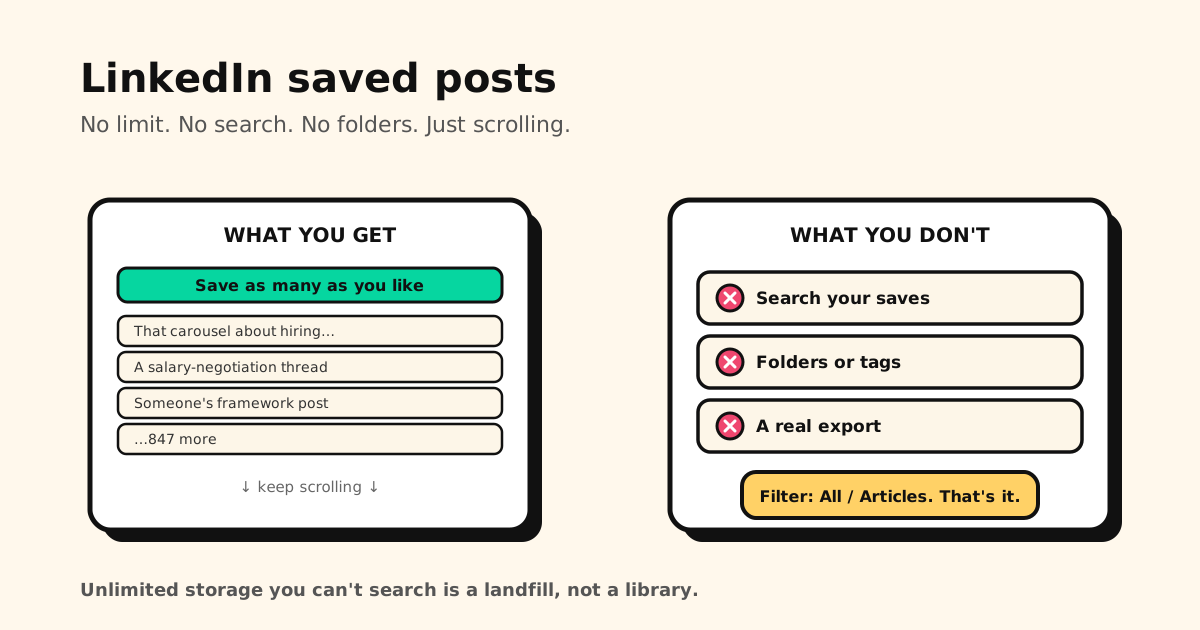
And the reason you can’t find anything in there: LinkedIn puts no limit on how much you save, then gives you no search, no folders and no tags. The only control is a filter between All and Articles.
The failure mode is the opposite of everyone else’s
Most platforms fail by taking things away. LinkedIn fails by letting you keep everything and never helping you retrieve it.
| Platform | How saving breaks |
|---|---|
| YouTube | Hard stop — Watch Later fills up and refuses new videos |
| Hidden — saves keep working, but only your most recent 1,000 are listed | |
| Goes blank — if the poster deletes it, your save shows nothing | |
| Unfindable — everything is kept, nothing is searchable |
Unlimited storage you can’t search isn’t a library. It’s a landfill with a nice font.
What you actually get
- Saving is uncapped. No documented limit, and saved lists in the thousands are ordinary.
- One filter: All / Articles. That’s the whole organisational system.
- No keyword search. You can’t ask “that post about salary bands” — you scroll until you see it.
- No folders, no tags. Everything lands in one flat, reverse-chronological stream.
- It’s private. Your saved list is yours alone and the author isn’t notified. They can see a total save count in their post analytics, but never who. That part LinkedIn gets right.
The practical effect: saving on LinkedIn is a gesture, not a system. It feels like filing something away, but three weeks later the post is 200 items down a list with no way in.
The export doesn’t rescue you either
LinkedIn’s data export will hand you your saved posts as a file of bare links — URLs without the post text, the author, or the reason you saved it. You can technically get your list out; you can’t get anything useful out. Reconstructing meaning from a column of URLs is worse than starting over.
Which means the fix has to happen at save time, not later.
Save it where you’ll find it again
For the posts you genuinely want to reuse — the frameworks, the job-hunting threads, the good explainers — the move is to capture them outside LinkedIn:
- Share → Tuckii from LinkedIn: the post’s link and preview land in a library on your device, no account.
- Instant search across titles, descriptions and URLs — the one thing LinkedIn’s saved list doesn’t have.
- Collections (and tags, with Pro), so the hiring posts and the writing posts aren’t the same pile.
- Everything together — the LinkedIn post next to the Reddit thread and the article from your browser, instead of five apps that each remember a fifth of your reading.
- Free for everyday saving; an optional Pro upgrade adds tags, sharing, and backup.
A saved list you can actually search
Keep the LinkedIn posts worth reusing in Tuckii — searchable, organised into collections, on your device. Free, no account.
Download Tuckii free →Same habit, different platform, different failure: Reddit only lists your most recent 1,000, Facebook saves go blank when the poster deletes the post, and YouTube’s Watch Later has a ceiling. For the one-tap habit across all of them: how to save links from any app.