
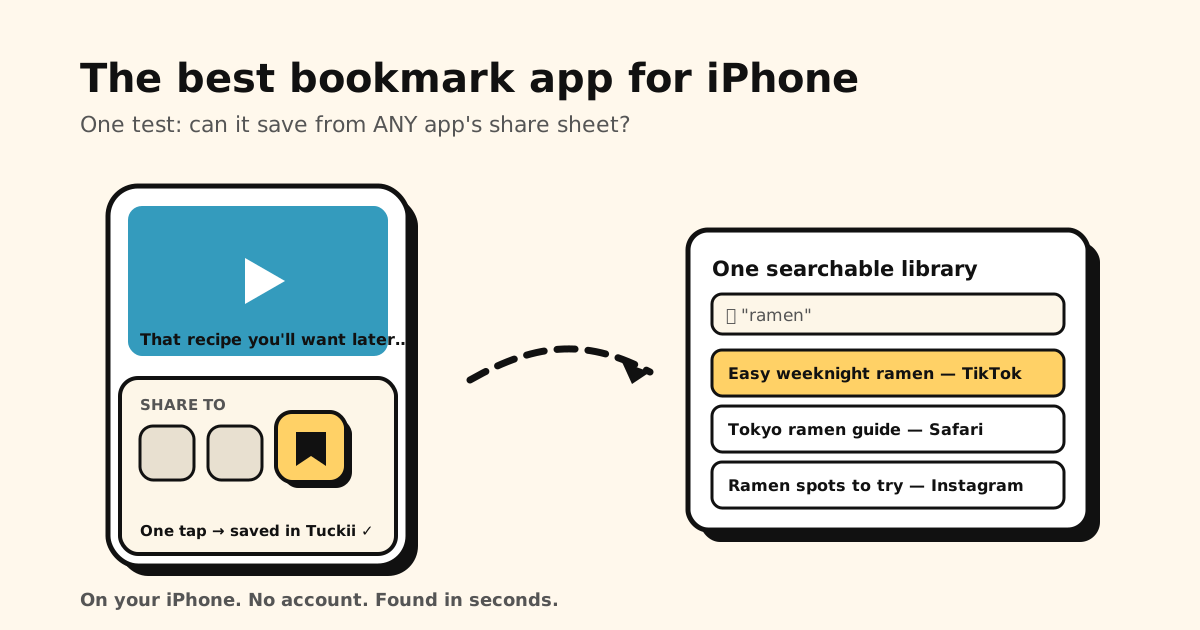
iPhones are where links go to get lost. Safari has bookmarks and a Reading List, Chrome keeps its own list, and the links you actually care about — a TikTok recipe, an Instagram place, a YouTube video — can’t be bookmarked in any browser at all. The best bookmark app for iPhone fixes all of that with one move: it plugs into the share sheet, so anything from any app lands in one searchable place.
Quick answer: pick an app that passes four tests — saves from the share sheet, has real search, supports bulk editing, and works without an account. Below: how Safari’s built-in options, Raindrop, GoodLinks, and Tuckii measure up.
Want the short version?
Tuckii is a bookmark app for iPhone, iPad and Mac that saves from any app’s share sheet into one searchable library — no account needed.
Get Tuckii on the App Store →Why Safari bookmarks aren’t enough
Safari’s bookmarks and Reading List are fine for web pages you’ll revisit in Safari. They break down everywhere else:
- They only capture Safari pages. The recipe in TikTok, the post in Instagram, the link a friend texted — no bookmark button exists for any of them.
- Search is shallow. Safari matches titles, not descriptions or your own notes, so retrieval means scrolling folders.
- Reading List is a queue, not a library. No folders, no tags — it’s built for “read this soon,” not “keep this organized for later.” (Full breakdown of Safari’s Reading List.)
- Bulk cleanup is limited. Reading List’s Edit lets you tick several items and delete them, but that’s about it — there are no folders to move them into.
That’s why a dedicated bookmark app is one of the few genuinely useful additions to an iPhone.
The four tests for an iPhone bookmark app
- Share-sheet save. Non-negotiable. If saving means copy-pasting URLs, you’ll stop doing it within a week.
- Real search. Titles, descriptions, URLs, and your notes — retrieval is the entire point.
- Bulk editing. Libraries need maintenance. Select-many → move/delete is the difference between a five-minute cleanup and never cleaning up.
- No account required. Your saved links map your interests; they shouldn’t require handing that map to a server just to work.
How the options compare
| App | Saves from any app | Bulk actions | No account | Price |
|---|---|---|---|---|
| Safari Reading List | Safari only | Limited | Built-in | Free |
| Chrome (iOS) | Browser only | Limited | Google, to sync | Free |
| Raindrop.io | Yes | Partial | Account required | Free + $28/yr Pro |
| GoodLinks | Yes | Partial | No account | Paid up front |
| Tuckii | Yes — share sheet | Yes — hold to select | No account | Free + optional Pro |
Honest notes: Raindrop is excellent if you want a full-featured, cross-platform web library and don’t mind the account. GoodLinks is a well-made read-later app if you’re happy paying up front. Where Tuckii stands apart is the combination: bulk actions that every other app rations out, no account at all, and a free tier you can genuinely use every day. (Deep dive on the privacy angle: the private, local-first bookmark manager.)
Tuckii on iPhone: built around the share sheet
- Save from any app — Safari, TikTok, Instagram, YouTube, Reddit, Mail. Tap Share → Tuckii and the title, description, and thumbnail come along automatically.
- Screenshots too — share a screenshot or photo to Tuckii and it sits in the same library as your links. Give it a name and search finds it.
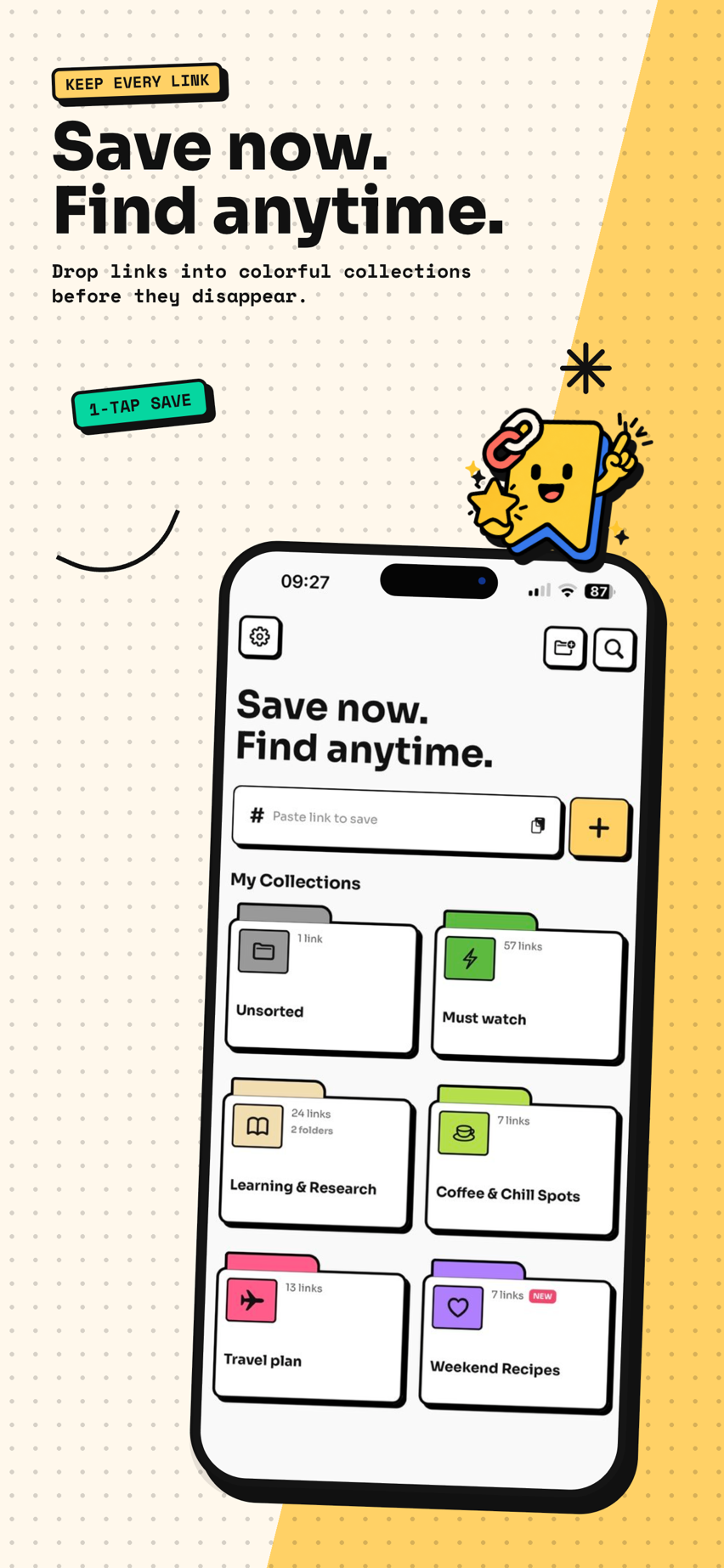
- Find anything in seconds — instant search across everything; collections and sub-collections keep the library tidy without effort.
- Clean up in bulk — hold to select, then move or delete dozens of links at once (sharing several at once is a Pro extra). The feature every bookmark app skips is the one that keeps a library alive.
- On your device, no account — private by default, works offline, nothing to lose if a service shuts down.
- Pick up on your iPad and Mac (Pro) — one tap on Sync Now and your whole library is there too, through your own private iCloud. Tuckii never sees it.
- Bring your old bookmarks — import HTML/CSV exports from Safari, Chrome, Pocket, or Raindrop under Settings → Backup & Restore → Import Bookmarks.
It’s free for everyday saving; an optional Pro upgrade adds iCloud sync, tags, full-collection sharing, and backup when you outgrow the basics.
Set it up in two minutes
- Install Tuckii from the App Store — no account to create.
- Tap Share on anything worth keeping, in any app.
- Choose Tuckii in the share sheet (tap More and add it once if it’s not visible).
- Find it later with search, or organize into collections when you feel like it.
One bookmark app for your whole iPhone
Save links from Safari, TikTok, Instagram, and any app into one private, searchable library. Free, no account.
Download Tuckii on the App Store →Already drowning in Safari folders? Start with how to organize bookmarks on iPhone. Using an iPad or a Mac as well? See the best bookmark app for iPad & Mac. On Android instead? Here’s the best bookmark app for Android. And for the platform-agnostic comparison, see the best app for saving links.