
Deleted a bookmark by accident, or switched phones and they vanished? Whether you can get Android bookmarks back depends entirely on which browser they were in and whether sync was on. Here’s the realistic path to recovery — and the honest truth about what’s recoverable. (If the bookmarks are fine but stuck on your old phone, you want how to transfer bookmarks to a new phone instead.)
Looking for where Android keeps bookmarks in the first place? See where are bookmarks stored on Android. This guide is about finding lost ones and recovering deleted ones. On a computer, iPhone or Mac instead? See how to recover deleted bookmarks in Chrome, Safari & Firefox.
First: are they deleted, or just somewhere else?
Most “lost” bookmarks aren’t deleted at all — they’re in a different browser or app than the one you’re looking in. Before trying to recover anything, check:
- The other browser. Chrome and Samsung Browser (formerly Samsung Internet) keep completely separate bookmark lists. A link saved in one never appears in the other.
- Inside the app. A TikTok or Instagram link lives in that app’s own “saved” tab, not in any browser.
- Another signed-in device. If you used Chrome sync, your bookmarks may still be on your laptop or tablet.
- A sync hiccup. Bookmarks that exist on one device but vanished from another aren’t deleted — that’s a sync problem: why Chrome bookmarks stop syncing (and the fixes).
If it’s genuinely deleted, read on.
Where do deleted bookmarks go on Android?
Short answer: nowhere you can browse. Android browsers have no bookmark trash or recycle bin — a deleted bookmark isn’t moved anywhere, it’s removed from the browser’s database on the spot. What can still hold a copy:
- Another synced device that hasn’t received the deletion yet (the deletion propagates on next sync).
- Chrome desktop’s
Bookmarks.bakfile, which keeps the previous session until Chrome reopens. - A Samsung Cloud / Smart Switch backup made before the deletion (Samsung Internet).
That’s the complete list — there’s no hidden “deleted bookmarks” folder to dig up. The sections below walk through each recovery route.
Recover Chrome bookmarks on Android
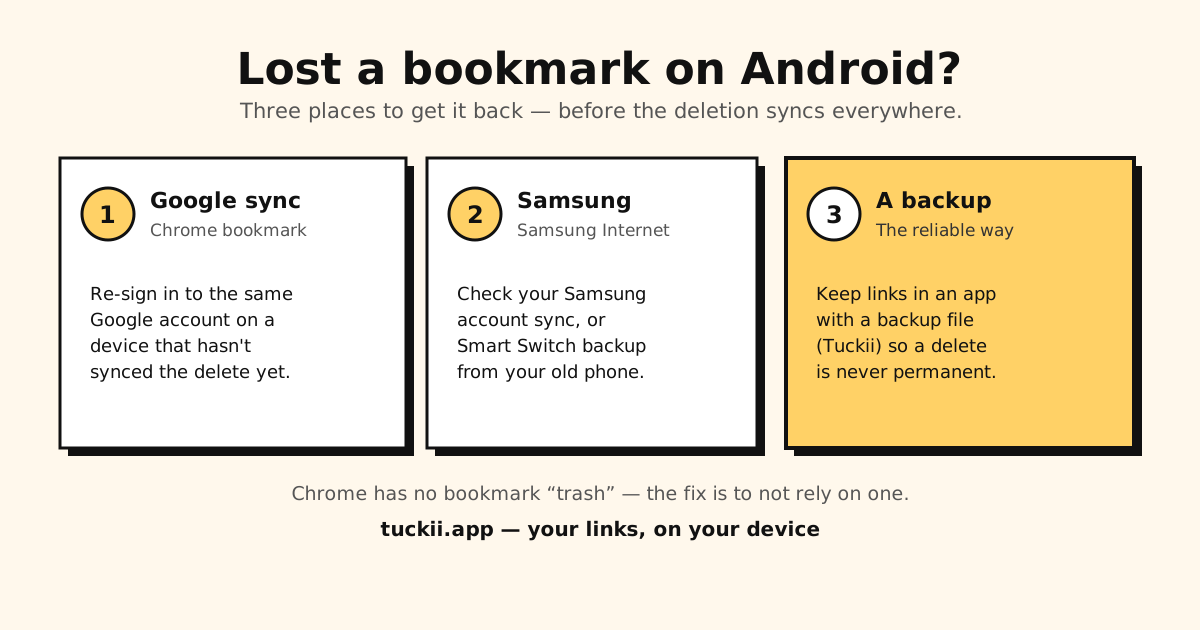
Chrome has no bookmark “trash” or undo — so recovery depends on sync timing:
- Don’t open Chrome on other devices yet. If sync is on, a device that hasn’t synced the deletion still has the bookmark. Grab it from there first.
- Re-sign in / check sync. Sign into the same Google account on another device; if its copy predates the deletion, you can re-save the link.
- On desktop, check
Bookmarks.bak. Chrome keeps a one-session backup next to the bookmarks file:…\Google\Chrome\User Data\Default\Bookmarks.bak. Chrome replaces it the first time it saves a bookmark change after starting, so act before reopening Chrome — with Chrome closed, copy it to a file namedBookmarks. Step by step: how to restore Chrome’s Bookmarks.bak file.
Honest caveat: once a deletion has synced across all your devices and Chrome has been reopened, there’s usually no built-in way to get it back. That’s the core weakness of browser bookmarks.
Recover Samsung Internet (Samsung Browser) bookmarks
Samsung Internet stores its favorites separately, so check Samsung’s own systems:
- Samsung account sync — if enabled, your favorites may still be in your Samsung account.
- Smart Switch / Samsung Cloud backup — if you backed up your old phone, a restore can bring Samsung Internet data across.
Full details on locating and exporting them: Samsung Internet bookmarks.
The only real fix: don’t depend on a browser
Sync recovery is a coin flip, and there’s no undo button. The reliable answer is to keep the links you actually care about in a place built to survive deletions and phone changes — a dedicated bookmark app with a backup file you control.
That’s Tuckii:
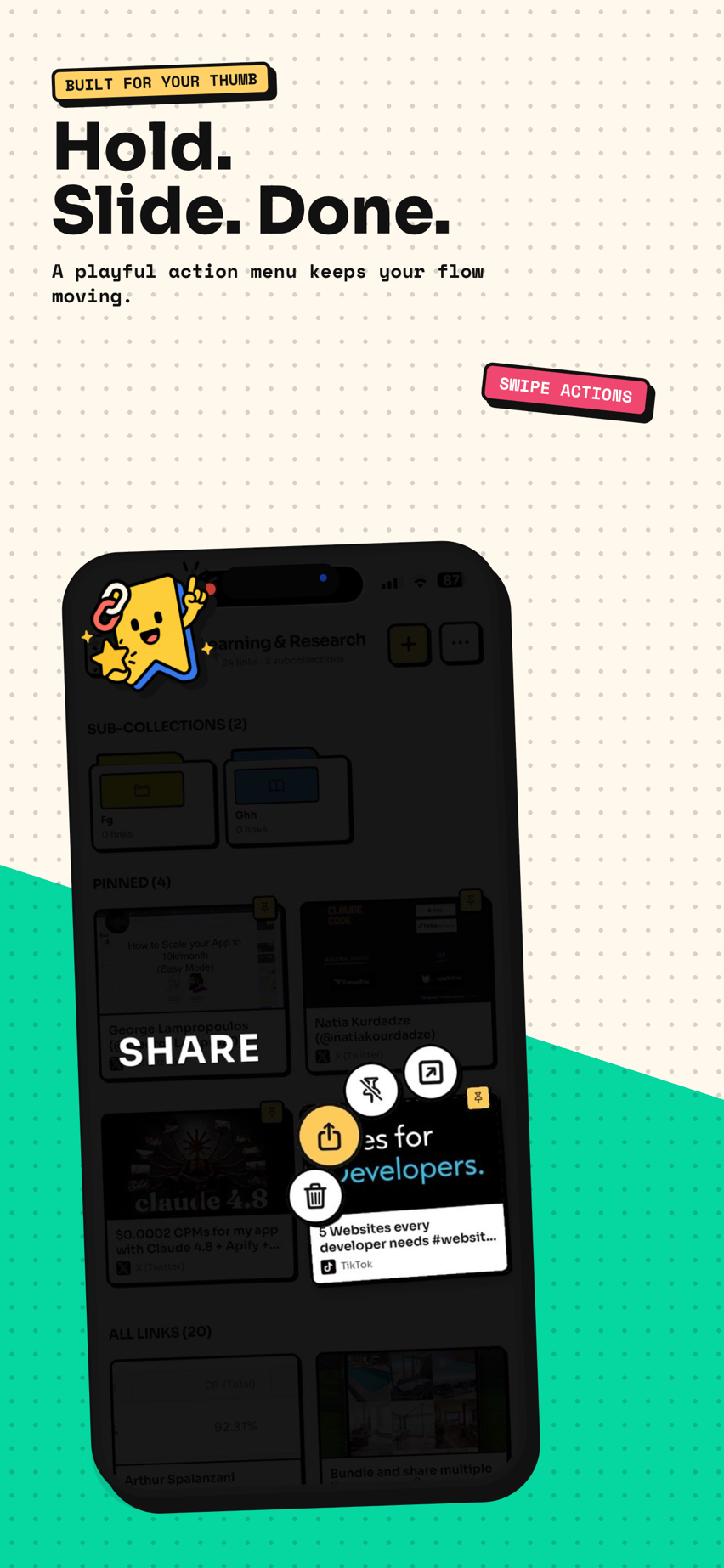
- Save from any app (Chrome, Samsung Internet, TikTok, Instagram…) via the Android share sheet.
- Stored on your device, in one searchable library — no account, works offline.
- A backup file you own, or Google Drive sync (optional Pro), so a wipe or new phone never means starting over.
- Free to use every day; Pro adds tags, full-collection sharing, backup/restore, and Google Drive sync.
Comparing options first? See how it stacks up against Chrome, Samsung Internet and Raindrop in the best bookmark app for Android.
Stop losing bookmarks to a sync glitch
Keep the links you care about in Tuckii — on your device, searchable, savable from any app. Free, no account.
Get Tuckii free on Google Play →Lost Samsung Internet favorites? See Samsung Internet bookmarks for sync and Smart Switch recovery. Trying to clear out clutter on purpose instead? Here’s how to delete bookmarks — including the fast way to bulk-delete.